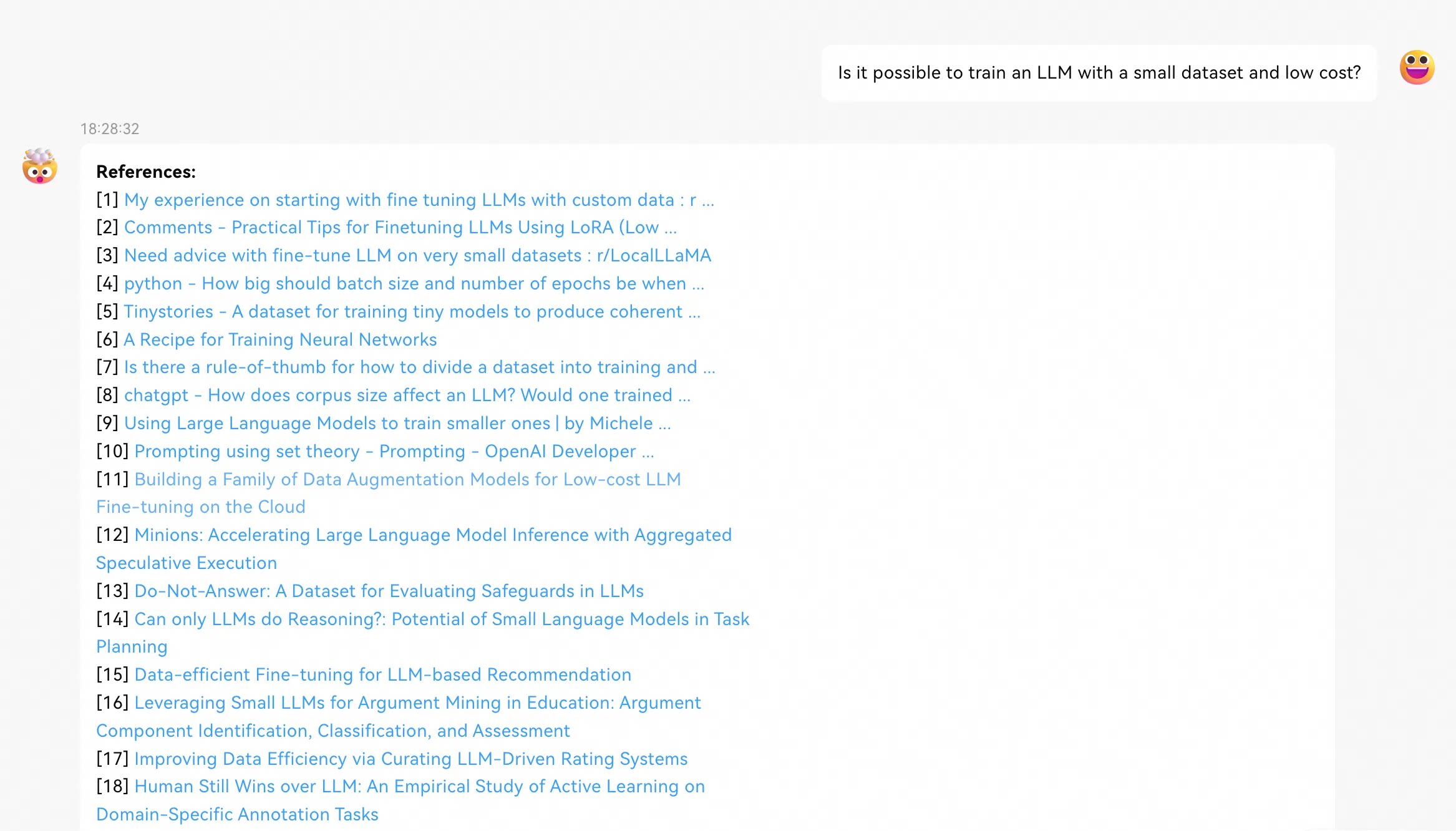
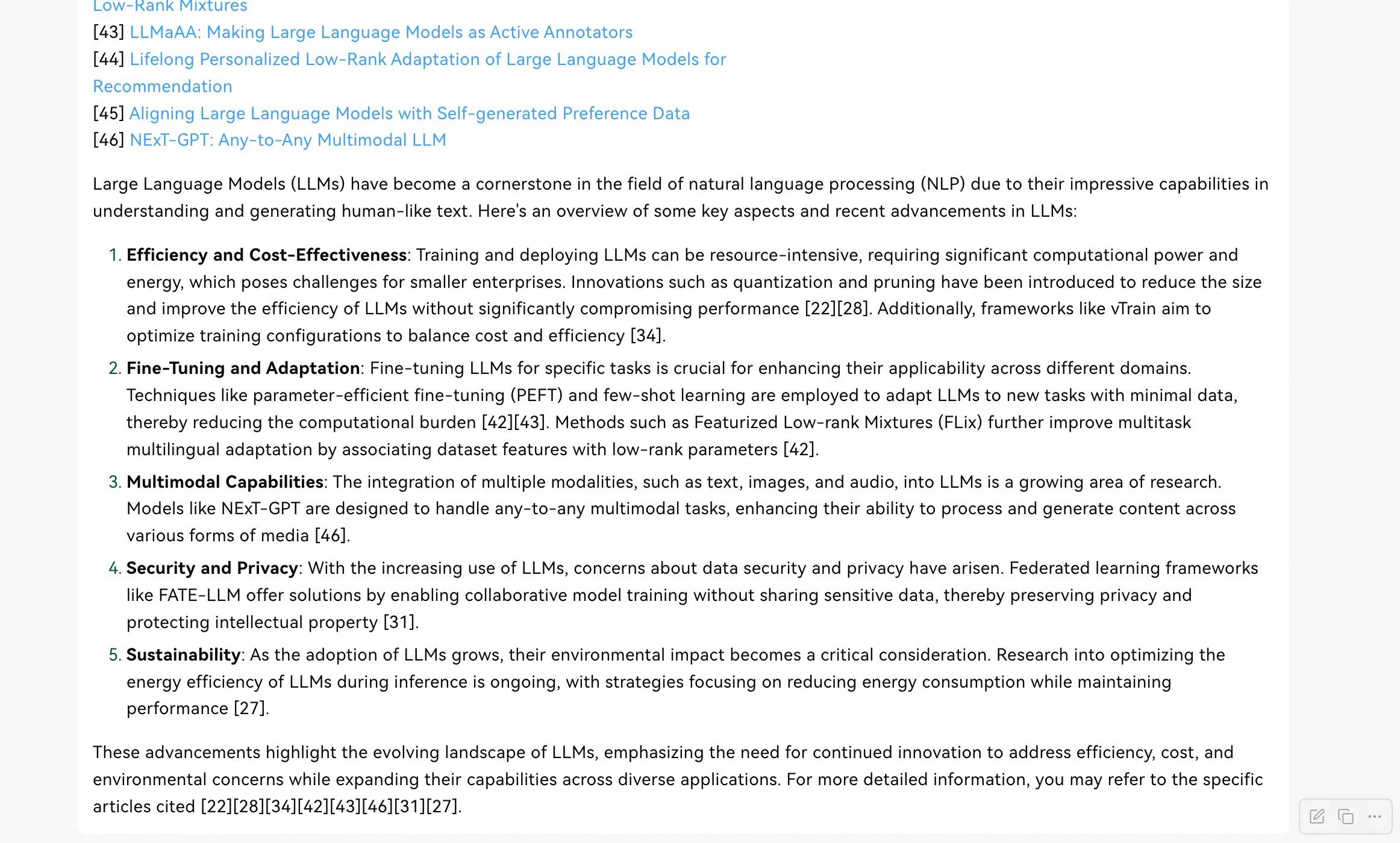
6.5 KiB
教程:使用开源Higress实现DeepSeek联网搜索
之前发了Higress支持DeepSeek联网搜索的文章,但里面没有提供Step-by-Step的指导,这篇文章是一个补充,希望对想使用这个功能的朋友有帮助。
安装 Higress 的过程不再赘述,让我们直接从一个安装好的 Higress 开始。
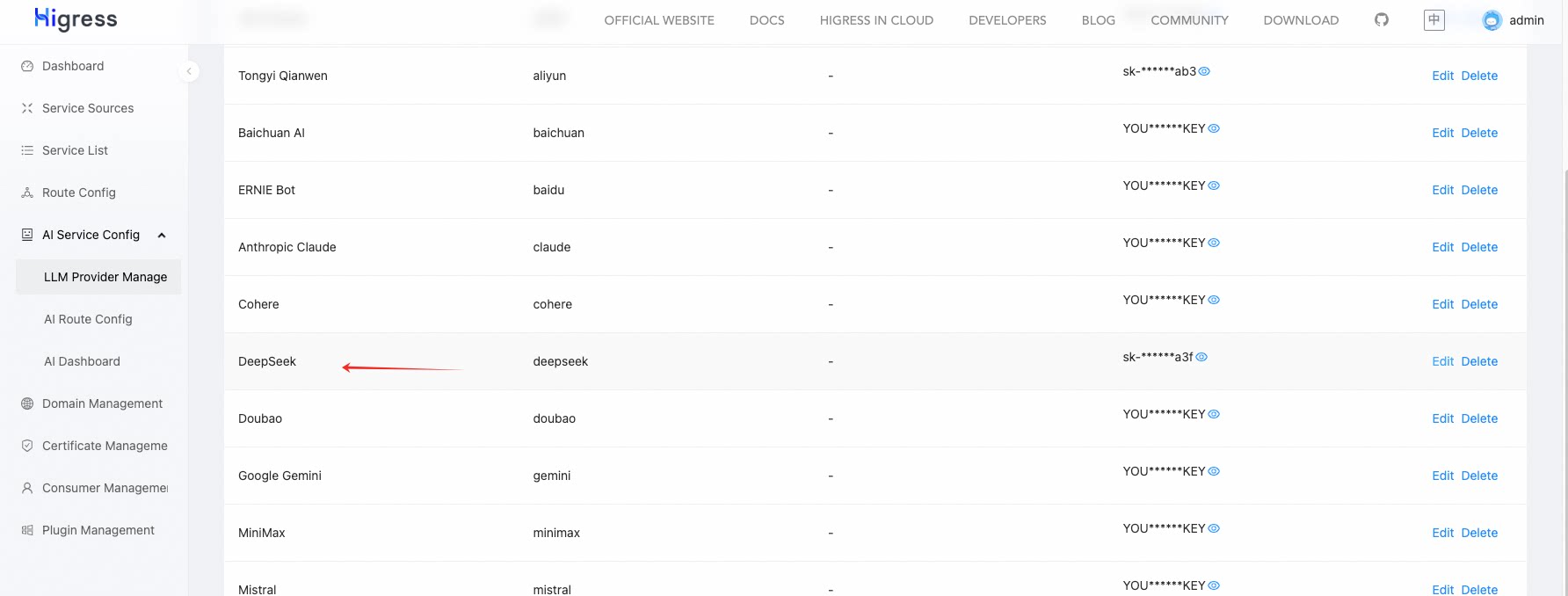
Step.0 配置 DeepSeek 的 API Key
可能你在安装 Higress 时没有填写 DeepSeek 的 API Key,那么可以在这里进行配置
Step.1 配置搜索引擎API域名
首先在 Higress 控制台,通过创建服务来源方式配置各个搜索引擎的域名:
google 搜索 API 的域名是:customsearch.googleapis.com
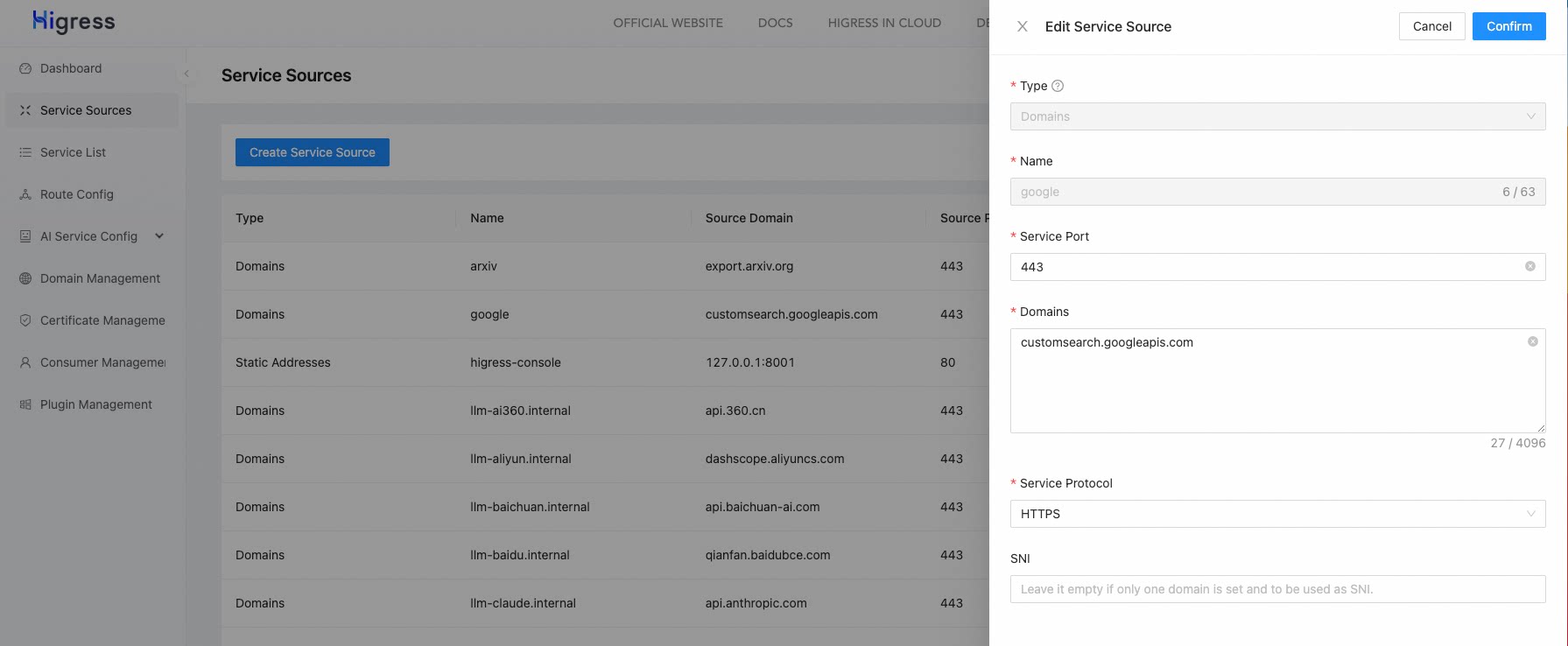
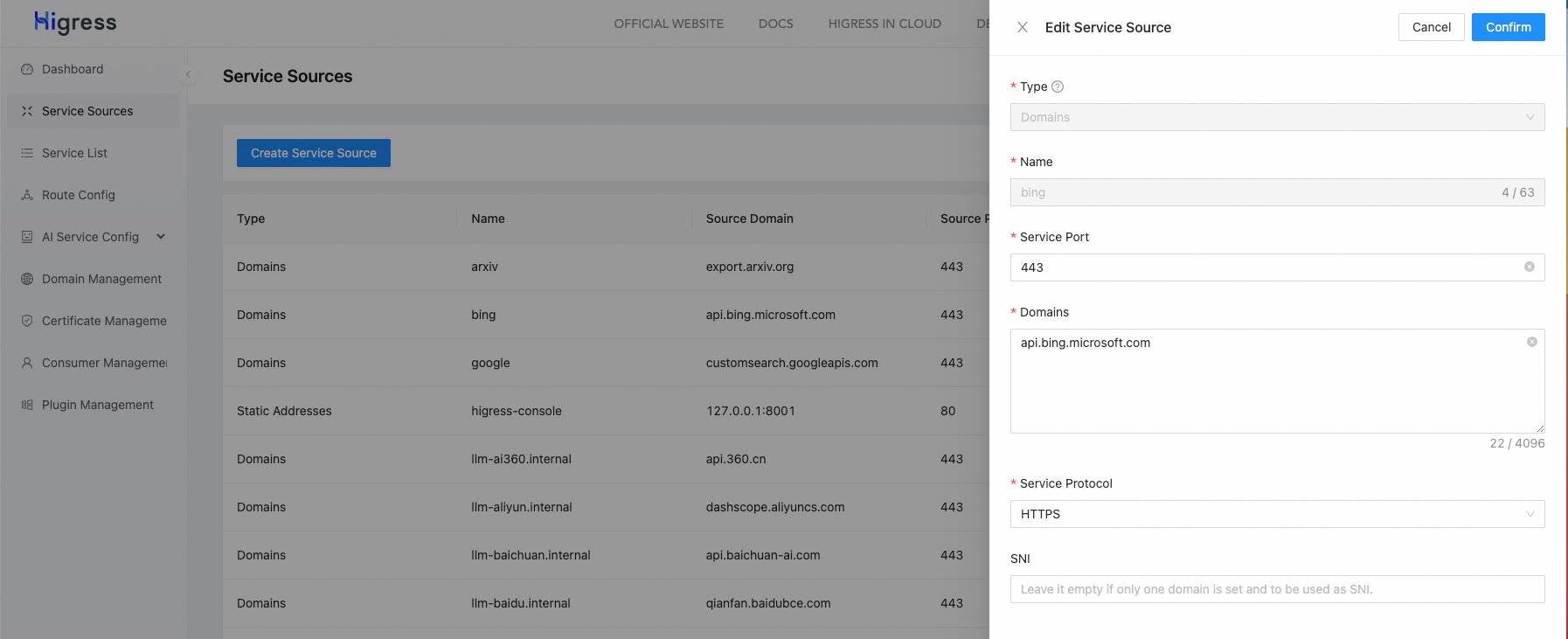
bing 搜索 API 的域名是:api.bing.microsoft.com
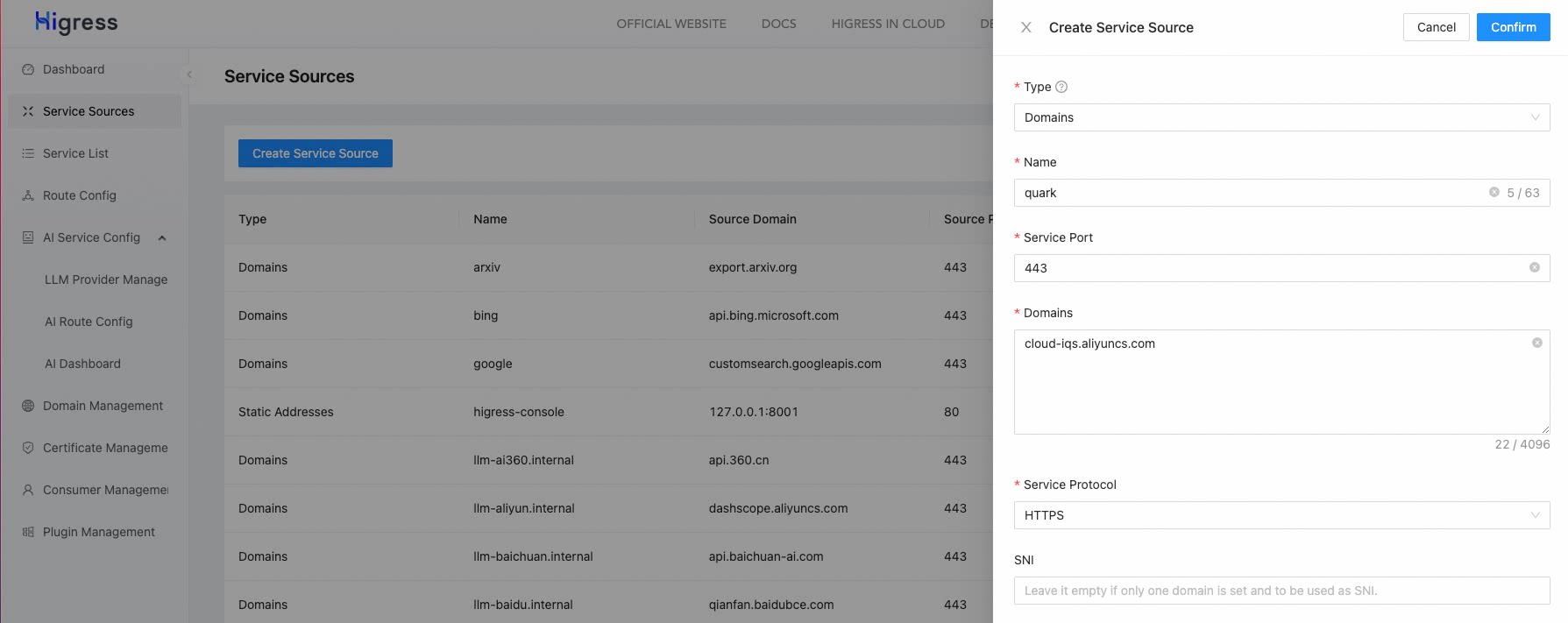
夸克搜索 API 的域名是:cloud-iqs.aliyuncs.com
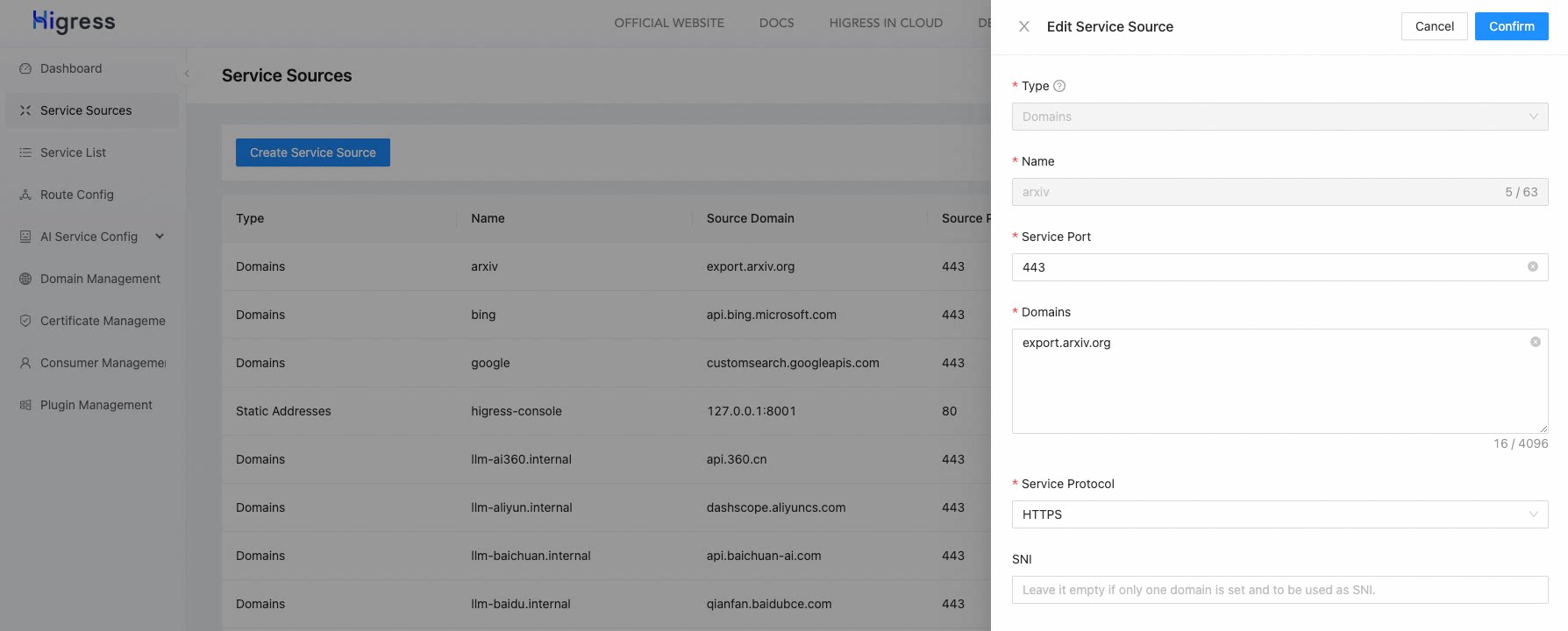
Arxiv API 的域名是:export.arxiv.org
配置好后,还要申请对应的 API Key,这里以夸克搜索的 API key 申请为例,Google和Bing不做赘述(网上资料也比较多),Arxiv是免费的不需要 API Key。
首先需要有个阿里云账号,然后在阿里云控制台搜索 IQS,进入 IQS 的控制台生成 API Key 即可:

具体可以查看 IQS 的文档:https://help.aliyun.com/document_detail/2870227.html
Step.2 配置AI Search插件
2.1.0 版本之前的 Higress 需要通过自定义插件的方式,导入 AI Search 插件:
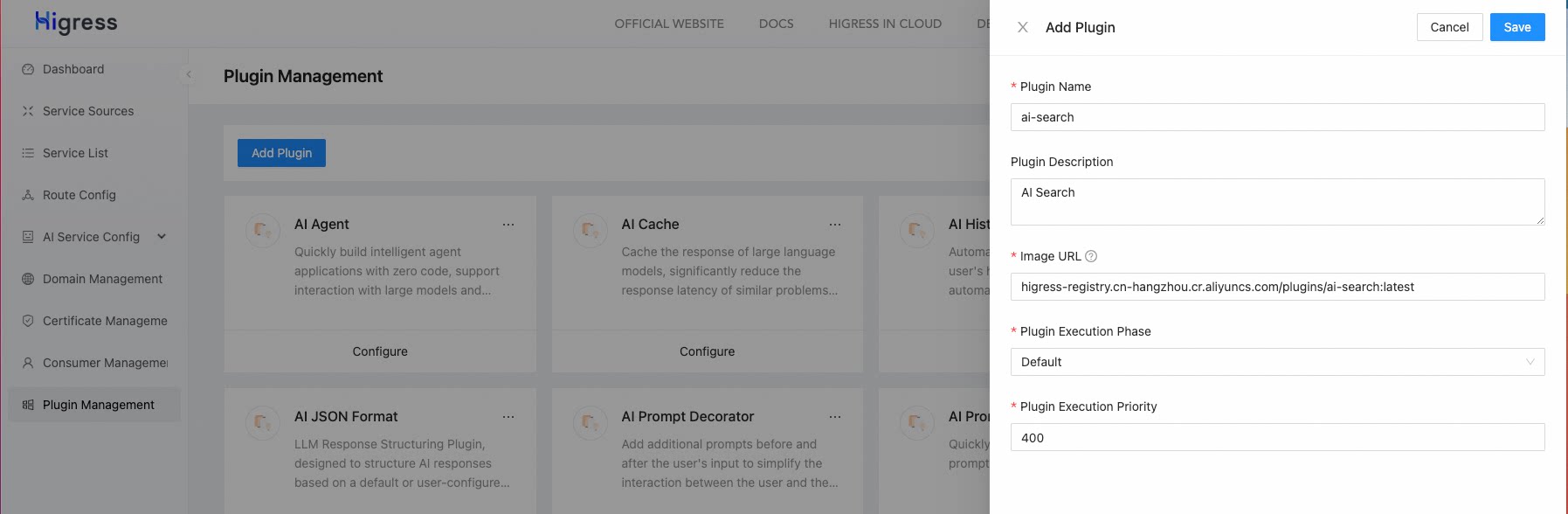
注意插件OCI镜像地址填写:higress-registry.cn-hangzhou.cr.aliyuncs.com/plugins/ai-search:latest
可以确保使用最新版本的 AI Search 插件,如果希望使用稳定版本,将tag改为1.0.0即可
执行阶段选择默认,执行优先级填写大于100的任意值即可(这样让AI Search插件在转发到LLM供应商之前的时刻执行,对prompt进行修改)
添加完插件后,进行相应配置:
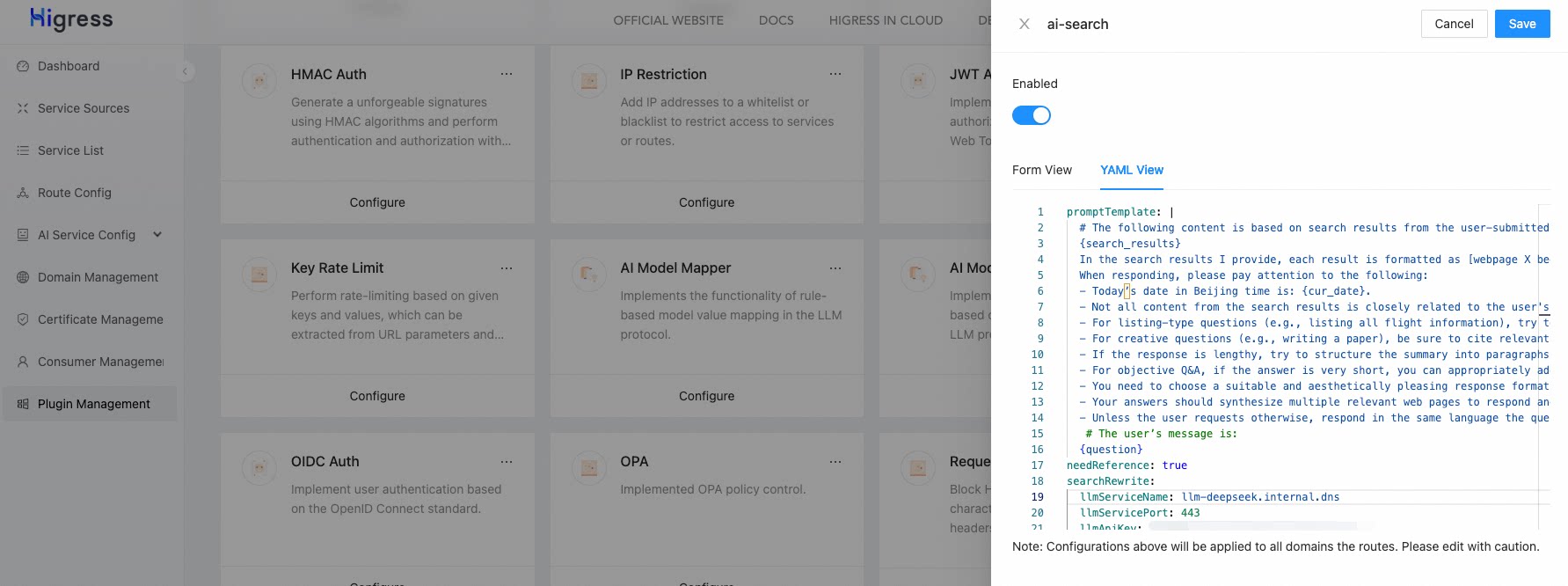
配置示例如下:
needReference: true # 为 true 时会在结果中附带网页引用信息
promptTemplate: | # 可以不用配置模版,使用内置的也可以
  # The following content is based on search results from the user-submitted query:
  {search_results}
  In the search results I provide, each result is formatted as [webpage X begin]...[webpage X end], where X represents the index number of each article. Please cite the context at the end of the sentences where appropriate. Use a format of citation numbe] in the answer for corresponding parts. If a sentence is derived from multiple contexts, list all relevant citation numbers, such as [3][5], and ensure not to cluster the citations at the end; instead, list them in the corresponding parts of the answer.
  When responding, please pay attention to the following:
  - Today’s date in Beijing time is: {cur_date}.
  - Not all content from the search results is closely related to the user's question. You need to discern and filter the search results based on the question.
  - For listing-type questions (e.g., listing all flight information), try to keep the answer to within 10 points and inform the user that they can check the search source for complete information. Prioritize providing the most comprehensive and relevantms; do not volunteer information missing from the search results unless necessary.
  - For creative questions (e.g., writing a paper), be sure to cite relevant references in the body paragraphs, such as [3][5], rather than only at the end of the article. You need to interpret and summarize the user's topic requirements, choose the apprate format, fully utilize search results, extract crucial information, and generate answers that meet user requirements, with deep thought, creativity, and professionalism. The length of your creation should be extended as much as possible, hypothesize tser's intent for each point, providing as many angles as possible, ensuring substantial information, and detailed discussion.
  - If the response is lengthy, try to structure the summary into paragraphs. If responding with points, try to keep it within 5 points and consolidate related content.
  - For objective Q&A, if the answer is very short, you can appropriately add one or two related sentences to enrich the content.
  - You need to choose a suitable and aesthetically pleasing response format based on the user’s requirements and answer content to ensure high readability.
  - Your answers should synthesize multiple relevant web pages to respond and should not repeatedly quote a single web page.
  - Unless the user requests otherwise, respond in the same language the question was asked.
   # The user’s message is:
  {question}
searchFrom: # 下面是配置一个搜索引擎选择列表,可以仅配置你需要的引擎,不用都配上
- type: quark
  apiKey: "your-quark-api-key" # 👈 需要修改成你的key
  serviceName: "quark.dns"
  servicePort: 443
- type: google
  apiKey: "your-google-api-key" # 👈 需要修改成你的key
  cx: "your-search-engine-id" # 👈 需要修改成你的engine id
  serviceName: "google.dns"
  servicePort: 443
- type: bing
  apiKey: "bing-key" # 👈 需要修改成你的key
  serviceName: "bing.dns"
  servicePort: 443
- type: arxiv
  serviceName: "arxiv.dns"
  servicePort: 443
searchRewrite:
  llmApiKey: "your-deepseek-api-key" # 👈 需要修改成你的key
  llmModelName: "deepseek-chat"
  llmServiceName: "llm-deepseek.internal.dns"
  llmServicePort: 443
  llmUrl: "https://api.deepseek.com/chat/completions"
Step.3 直接请求进行测试吧
下面是使用 lobechat 对接 higress 的效果: